Gemini for Google Workspace has changed what productivity means in 2026: it isn’t just about working harder; it’s about working smarter. The integration of Gemini 3 Flash—Google’s most advanced and lightning-fast AI—directly into Google Workspace has transformed the suite from a set of tools into a collaborative powerhouse.
Whether you’re a solopreneur running a freelance business or part of a global enterprise, Gemini is now the “silent partner” in your side panel, ready to draft, analyze, and organize.
1. Gemini for Google Workspace: The Side Panel
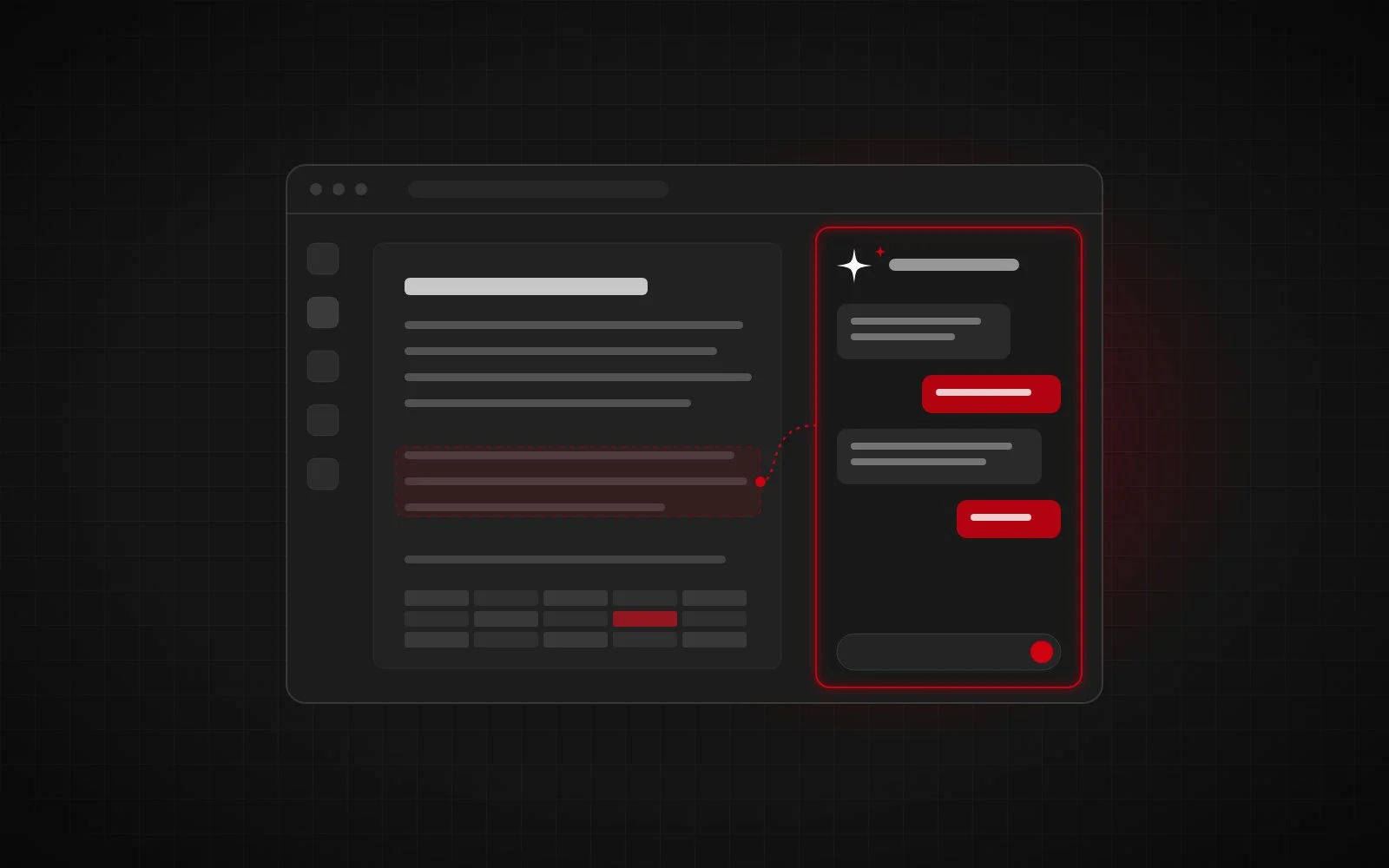
You no longer need to switch tabs to get AI assistance. Gemini lives in a dedicated side panel across Gmail, Docs, Sheets, Slides, and Drive.
- In Gmail & Docs: Use “Help me write” to generate professional email drafts or a first-rate blog post based on simple prompts.
- In Sheets: Gemini can automatically detect incomplete data, fill it in, and generate custom tables or complex formulas from natural language requests.
- In Slides: Turn ideas into full presentations. Gemini generates slide outlines, suggests speaker notes, and creates original AI imagery.
2. Meet the “Agentic” Workflow
The biggest leap in 2026 is the introduction of Gemini Enterprise Agents. These are autonomous engines capable of:
- Taking Notes: In Google Meet, Gemini captures notes, action items, and summaries automatically.
- Agentic Task Forces: Businesses can deploy long-running agents that handle complex problems over several days via a Unified Inbox.
- Creative Collaboration: A shared Canvas editor allows humans and AI agents to co-create, blending data with creative context.
3. Enhanced Media: Studio Quality
Google Meet has received a massive AI facelift. You no longer need a professional studio to look and sound like a pro:
- Studio Look & Lighting: Gemini fixes low-light issues and simulates professional lighting on your webcam.
- Studio Sound: AI recreates missing frequencies in your audio, making a laptop mic sound like high-end equipment.
- Translated Captions: Real-time translation removes language barriers in global meetings instantly.
4. Security and Governance
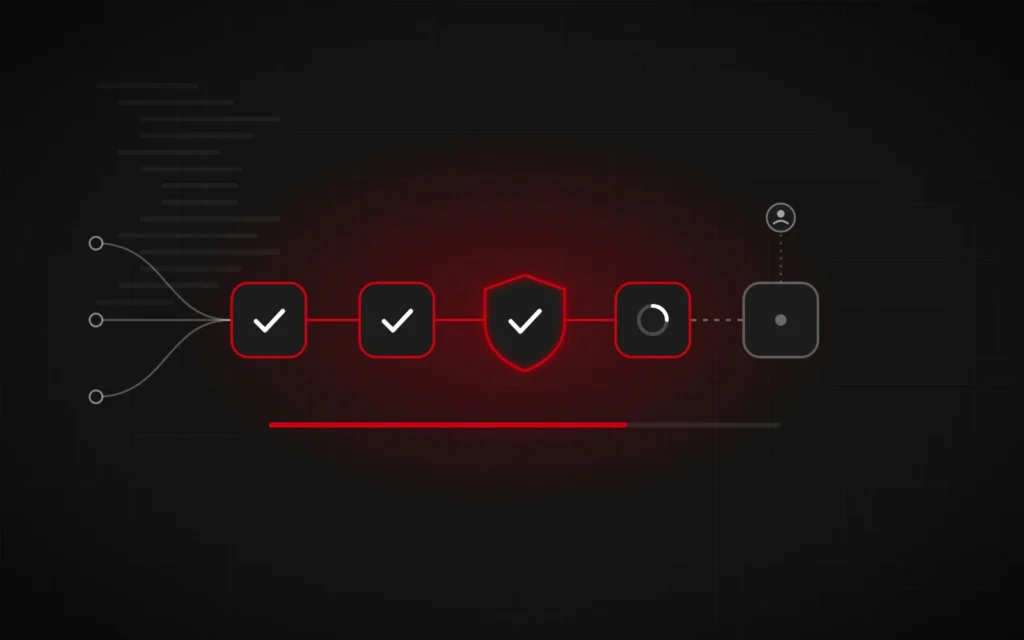
With great power comes the need for great security. Google’s Agent Gateway ensures that your organization’s data stays private. Admin controls allow for “Agent Identity,” giving unique IDs to AI agents to enforce the principle of least privilege, protecting sensitive files while the AI works.
5. Pricing and Plans
As of April 2026, Gemini is bundled into most Google Workspace plans:
- Business Starter ($7/user/mo): Essential tools with limited Gemini access.
- Business Standard ($14/user/mo): The “sweet spot” for growing teams, including meeting recordings.
- Business Plus ($22/user/mo): Advanced security, data governance, and full Gemini integration.
Plans and prices change often, so check the official Google Workspace pricing page before you buy.
6. Getting Started with Gemini for Google Workspace
Roll Gemini out the way you would any new system: start small and measure. Turn it on for one team first, pick two or three repeatable tasks such as meeting notes, first drafts of client emails or cleaning up data in Sheets, and time them before and after. Review the admin console settings for data access before a wider rollout, and write a short internal guide on what should and shouldn’t be shared with the assistant.
If you want to go beyond the side panel, Google Workspace is also a strong base for custom automation. My automated financial reporting case study shows how Google Apps Script turned multi-bank data into weekly executive reports with no manual entry. And to see where AI agents are heading next, read The Rise of Agentic Process Automation.
Final Thoughts
Gemini for Google Workspace isn’t just an add-on; it’s the core of how modern work gets done. By automating routine tasks and providing deep insights across your entire Drive, it frees up your most valuable resource: time.
Productivity isn’t just about working harder; it’s about working smarter.